 Shrink Ray
Make photos smaller, not worse.
Save space, keep quality. Everything happens on your iPhone, and nothing leaves your device.
See how it works ↓Coming soon to the App Store.
See it in 30 seconds
A quick look at what Shrink Ray does.
Pick. Shrink. Save.
Three taps from a heavy photo to a light one.
Pick
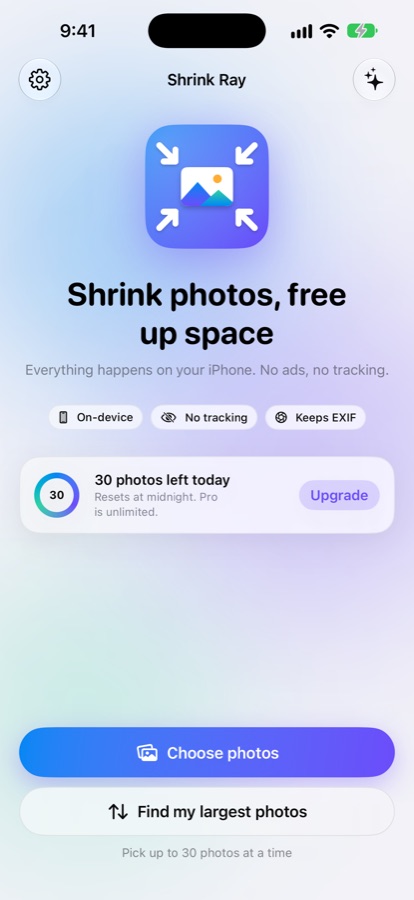
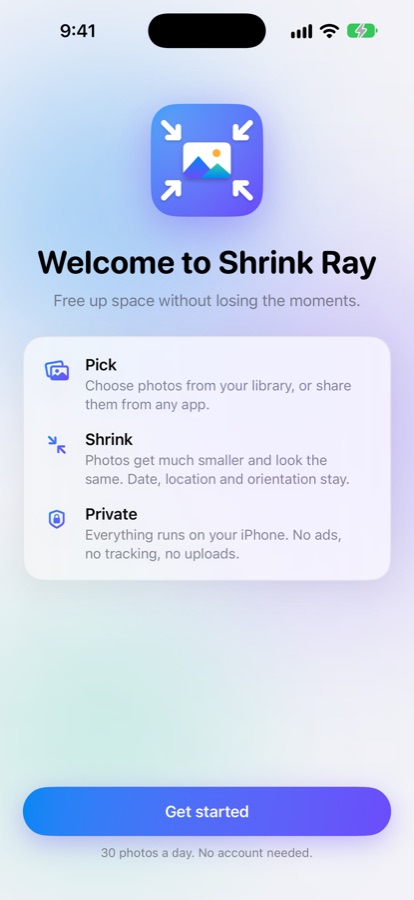
Choose photos from your library, or share them from any app.
Shrink
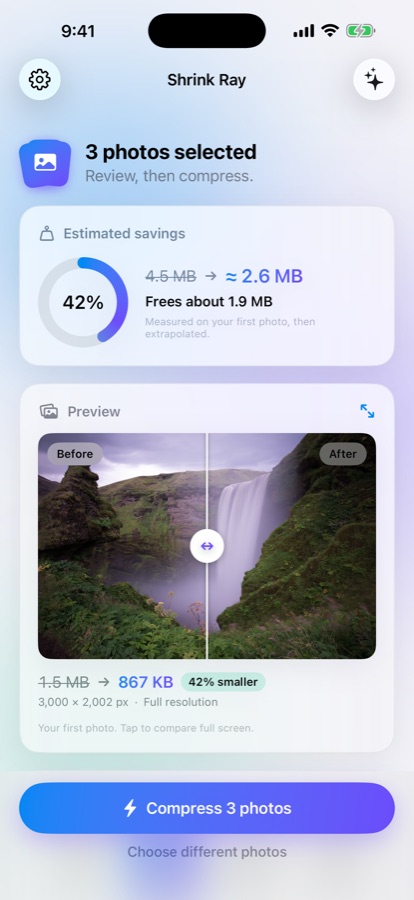
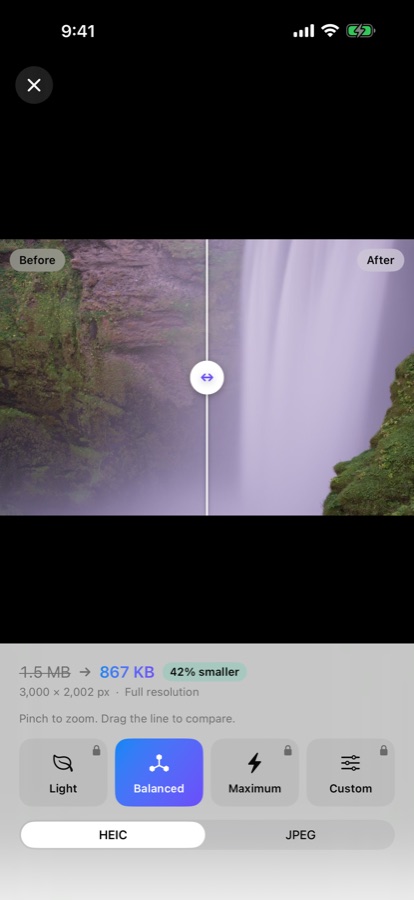
Check the estimate and the before and after preview, then compress.
Save
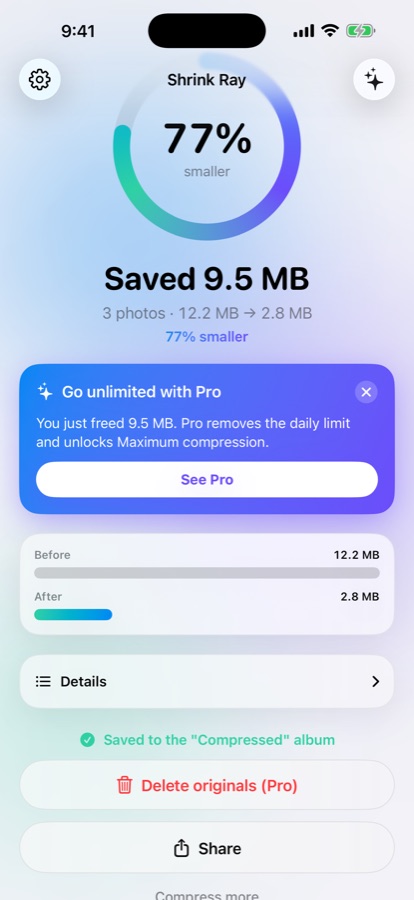
Save smaller copies to a "Compressed" album, or replace the originals if you want to.
Made to be trusted with your photos
Small, careful and in your control.
See the size first
The review screen shows the expected size before anything is saved, with a before and after slider and full-screen zoom.
Share Extension
Select photos in the Photos app, tap Share, then Shrink Ray. No need to open the app.
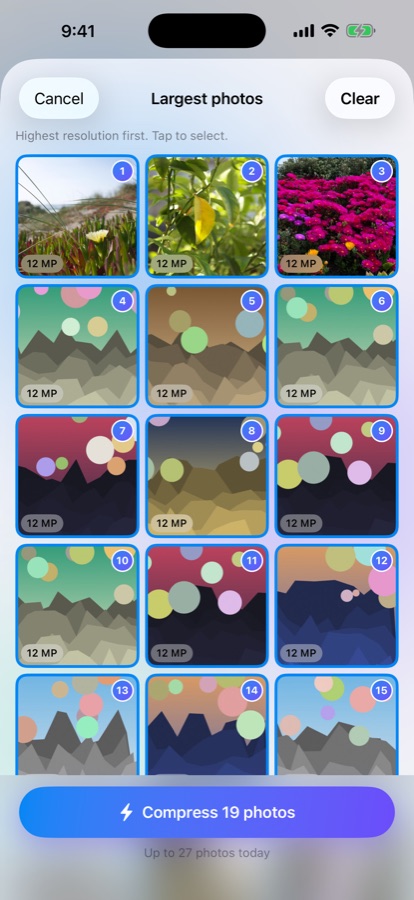
Find your largest photos
Your biggest files first, measured on your iPhone, so you shrink the photos that weigh the most.
Details kept
Capture date, location and orientation are copied to the smaller file.
Originals stay safe
Shrink Ray never deletes a photo on its own. iOS asks you to confirm any deletion.
Private by design
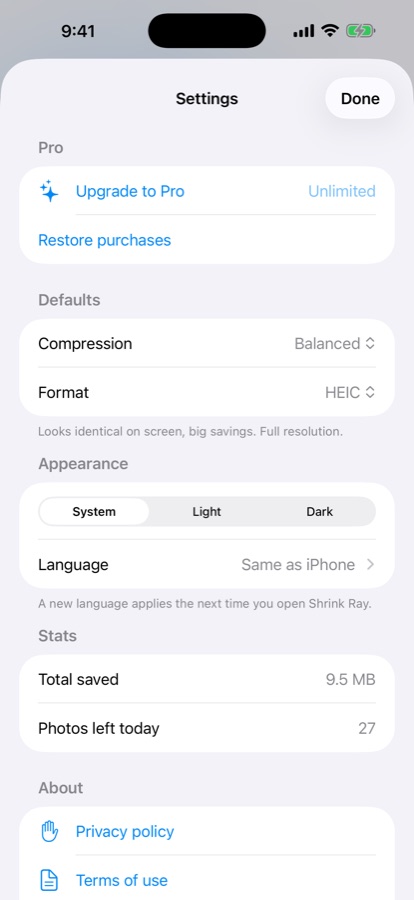
No account, no ads, no analytics, no network calls.
See it in action
Real screens from the app.
Your photos never leave your phone
Shrink Ray works offline. It has no accounts, no ads, no analytics and no third-party SDKs. Read the privacy policy.